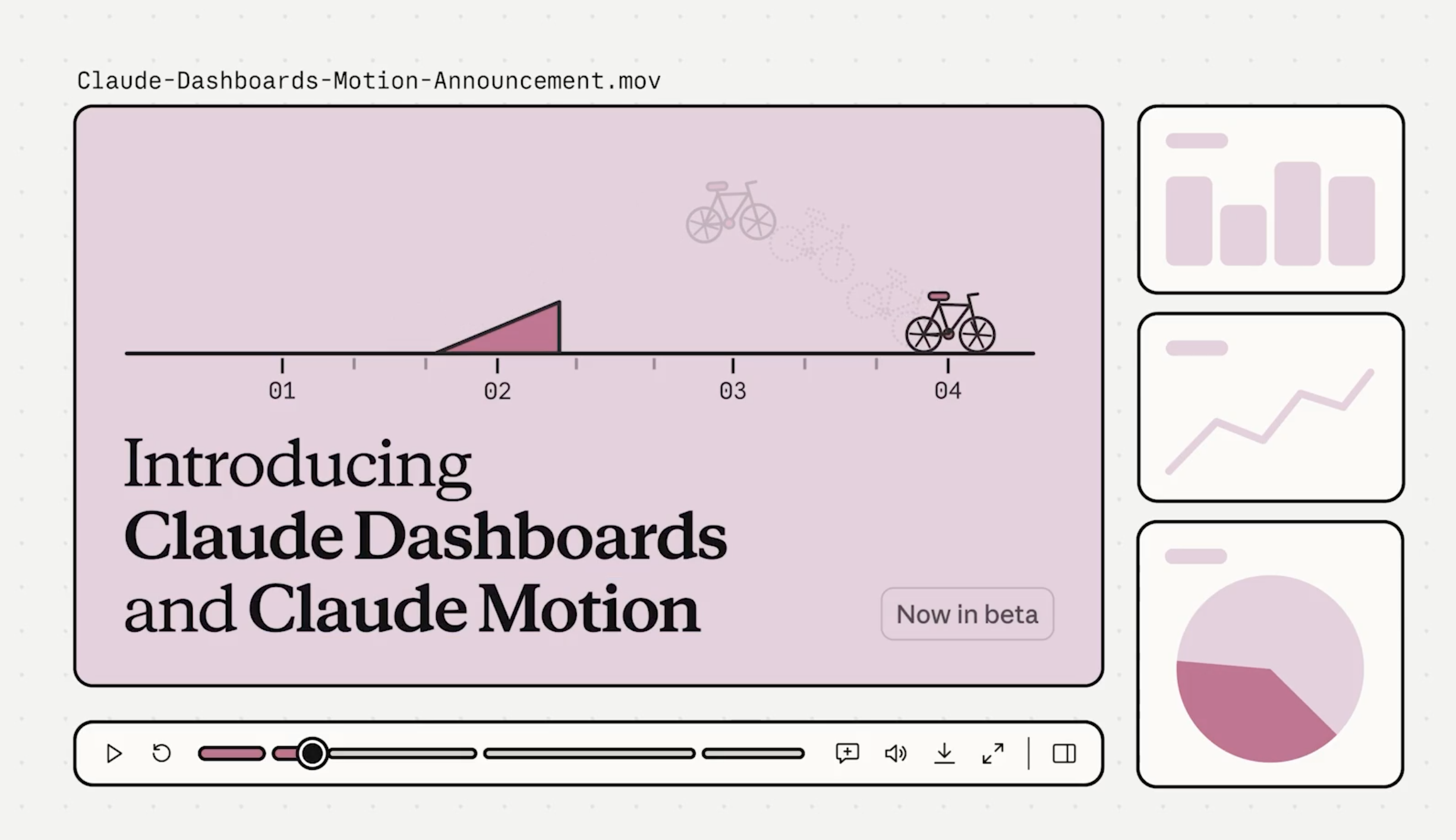
I have been looking at some of the motion videos coming out of Claude lately, and a few of them are just ridiculous. Tiny buttons turning into full dashboards, charts moving perfectly with music, product screens changing shape, and entire launch videos that look like someone spent days designing them.
And here’s the crazy part. Some of these animations are being made almost entirely through Claude, with no traditional video editor. You describe what you want, give it a little direction, and it builds the whole thing. Even the smallest details can be changed afterward.
I genuinely think this is one of the more interesting things happening in AI right now. Especially when you think about how many presentations, reports, product demos, and videos people create every single day.
On October 8, Anthropic launched Claude Motion and Claude Dashboards. Both are now in beta.
Claude can take an ordinary document and turn it into a moving explanation. It can create charts from your business data, animate numbers, show how a product works, or explain a complicated idea through a short video.
The best part is that Claude writes the animation as code. Every word, number, shape, and movement can be changed. You can ask it to slow down a scene, replace a chart, or change a color without having to recreate the whole video.
Anthropic also revealed that people have already created more than 45 million documents, slides, and designs with Claude. And now, with Opus 5.5 and Sonnet 5.5, people are building their own motion design studios around it.
I’ve been looking through some of these new workflows, and the possibilities are fascinating. You can create animated explainers, product launch videos, AI workflow demonstrations, moving diagrams, and even detailed motion graphics that follow music.
Some of the best examples are made with nothing more than Claude Code, a few free tools, and a good set of instructions.
And look at this one. Someone used Claude Opus 5.5 and Three.js to build an interactive 3D jet engine, showing everything from the air intake to the exhaust. You can explore how the engine works in 3D. It's quite amazing how far people are taking this.
And surprisingly, getting started is much simpler than the finished animations make it look.
Below is the complete practical setup, with the tools, skills, prompts, and workflows you can use to build your own motion design studio.