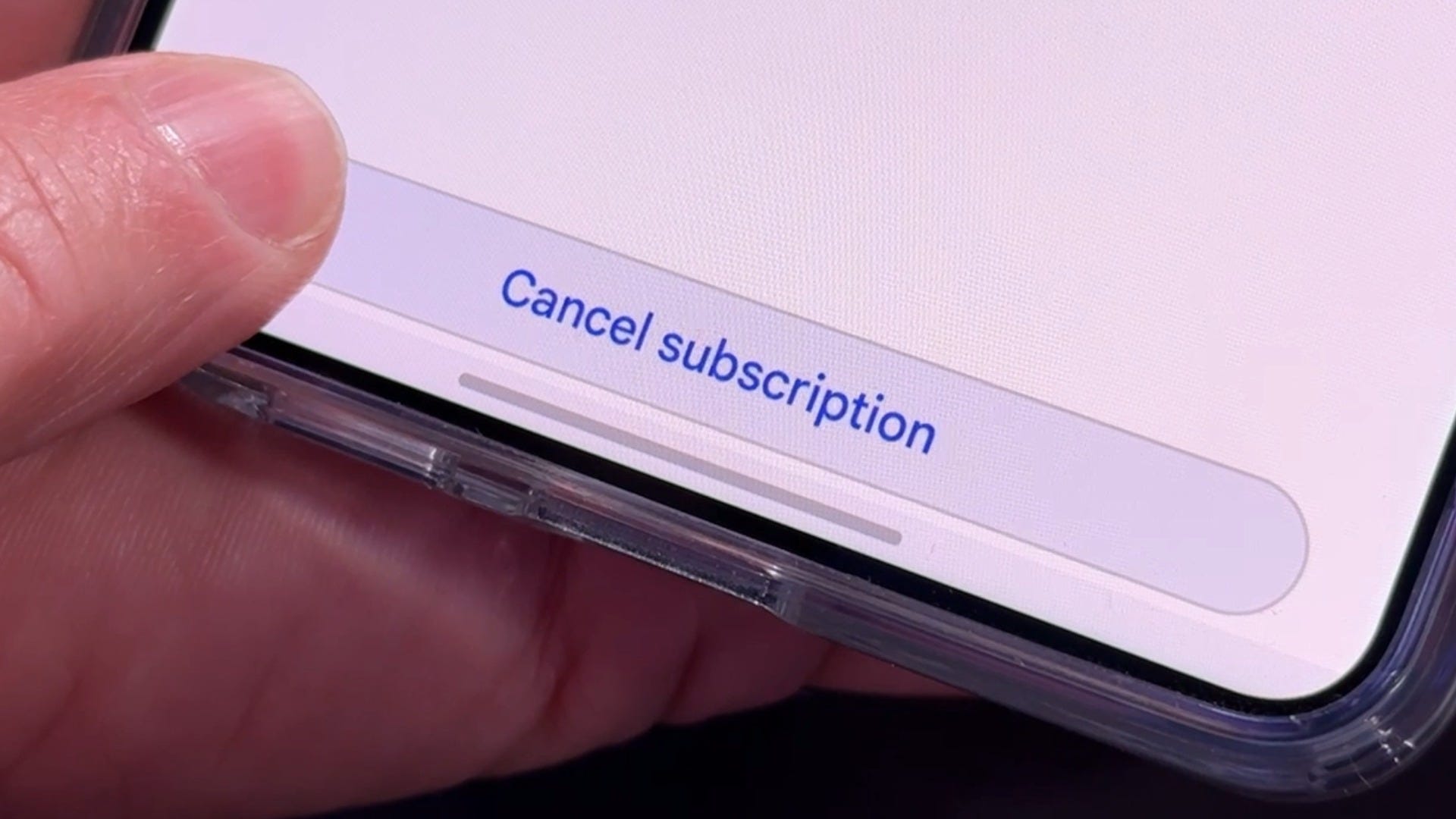
How many subscriptions are you paying for right now? And more importantly, how many are you actually using?
Between streaming services, smartphone apps, cloud storage and free trials you forgot to cancel, it’s easy to lose track. The good news is there are some simple ways to find those recurring charges and stop wasting money.
Start with your credit card statements. Look for charges that repeat every month, and don’t forget about annual subscriptions. Some banking apps even have a section that automatically identifies recurring payments.
Next, check your phone. You might be paying for subscriptions through Apple or Google without realizing it.
On an iPhone, open Settings > Your Name > Subscriptions. You’ll see your active and expired subscriptions, along with options to cancel.
On Android, open the Google Play Store > Profile Picture > Payments & subscriptions > Subscriptions.
Keep in mind, these lists only show subscriptions billed through Apple or Google. You might have others billed directly through a company’s website or services like PayPal, Amazon and Roku.
There are also apps that can help.
Rocket Money can identify recurring subscriptions for free when you connect your financial accounts. If you want help canceling them, that’s generally a paid feature.
ChatGPT’s Finances feature can connect to financial accounts, identify recurring charges and help you decide which subscriptions are worth keeping. Meta’s Muse assistant can also help track down subscriptions and assist with cancellations.
Just remember, connecting financial accounts to any service means sharing sensitive information. Make sure you understand what access you’re granting.
Another easy trick? Search your email for words like “subscription,” “renewal” or “free trial.” You might uncover something you signed up for months ago and completely forgot about.
And remember, deleting an app from your phone does not cancel its subscription.
Here’s my favorite trick for free trials.
When I sign up for a free trial, I like to cancel it immediately. Many services will still let you use the trial until it expires, so there’s no risk of forgetting and getting charged.
But check the terms first. Some services, including certain Apple subscriptions, may end your access as soon as you cancel.
If that’s the case, set a calendar reminder or snooze the confirmation email until a few days before the trial expires.
That way, you can decide whether the service is worth paying for instead of getting charged simply because you forgot.
Even eliminating two or three subscriptions you no longer use could save you hundreds of dollars a year.
And remember, you can always resubscribe.