Good morning and Happy President’s Day!
I don’t know about you, but I’m always trying to find a way to remember little tidbits of information - could be someone’s phone number, a cool quote I see in an article or just something I need to remember to do.
Over the years, I’ve tried all kinds of ways to remember this stuff - from To Do lists, to taking pictures, writing notes and audio messages… it always seems to get lost in the shuffle.
But one tried and true method that always seems to work is emailing myself. The reason? I look at my inbox many times a day but might only open my photo gallery or To Do list once or twice.
So today I’m sharing two apps that have helped me remember all kinds of stuff by turning my email inbox into a mini task list.
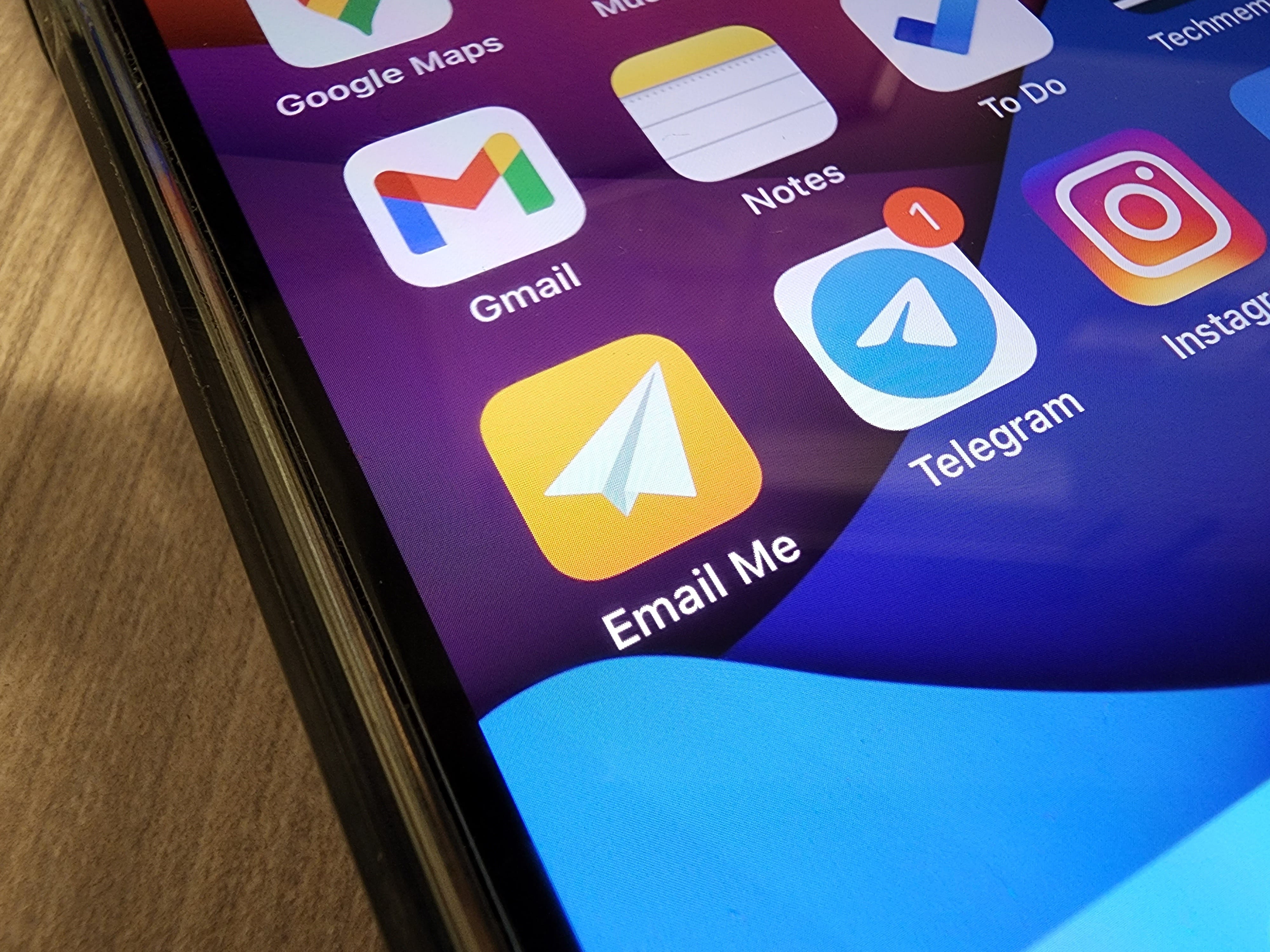
The first is Email Me for iOS.
This is a super simple, yet powerful app. Put it on your iPhone home screen and set it up using your email address. Then, the next time you think of something important, you open the app, type in your note, then hit Send. Your note will be waiting for you in your email inbox, ready for action when you are.
You can also speak an audio message, capture a photo, or insert a photo from your camera roll. The beauty here is in the simplicity. I must send myself at least a dozen notes a week or more using this method.
If you want to get fancy, you can set up a filter in your email so you can see a list of all your notes sent from this app.
It also integrates nicely into the iOS share menu so you can email yourself links and more.
There is some free use of the app but I fell in love with it so fast that I immediately paid the subscription fee.
If you’re on Android, the closest equivalent I found is called Boomerang: Email myself.
Although it hasn’t been updated in a while, it functions in a very similar way. It’s completely free.
I have found this method of emailing myself to be far superior to any other note taking app or system I’ve tried. The best part is that you always have a quick way to remember something in the moment, and then later when you’re checking your email you can route your note to the right location: A phone number can go into your address book. A clipping in your notes app. A task to your To Do list.
Just a note about privacy: since both these apps seem to route your notes through their servers, I would just be aware of the privacy implications of that. It might not be the smartest thing to send social security numbers or any super sensitive private info this way.
Hope you find this system just as useful as I do.
Rich
P.S. In my podcast, I talk tech and answer the questions you send me. You can listen to the latest episode here.